Photo tips
Be your own photographer
This is how your shot works out first time. The more thought you put into it, the better your result will look.
1 · Light
Soft light
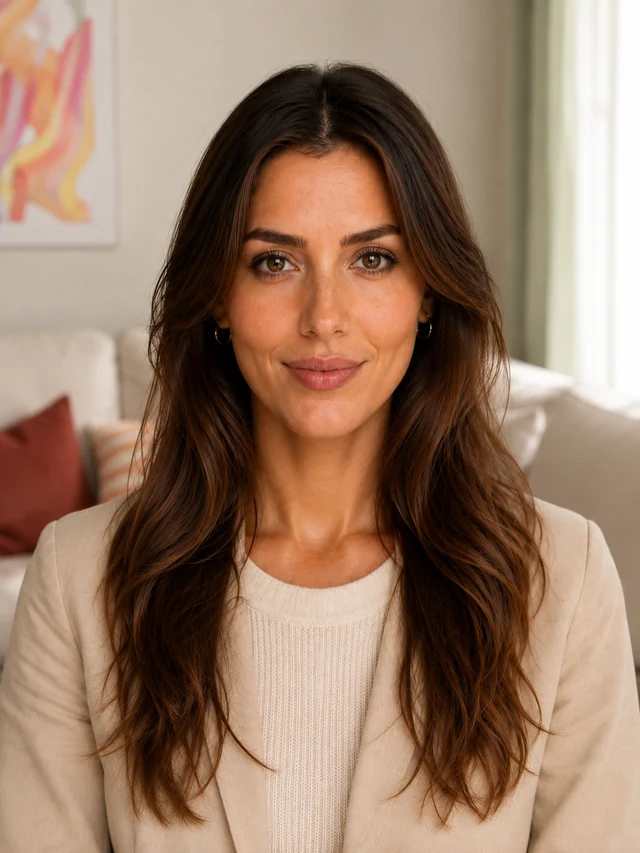
Soft and even 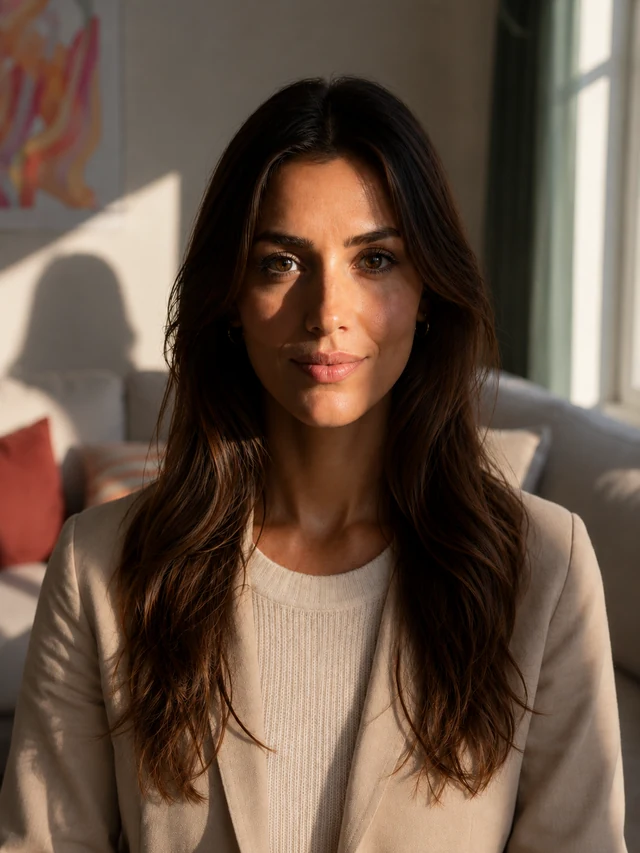
Harsh, with shadows Stand facing a window, and the light on your face becomes soft and even.
2 · Posture
Clear posture
Straight and calm 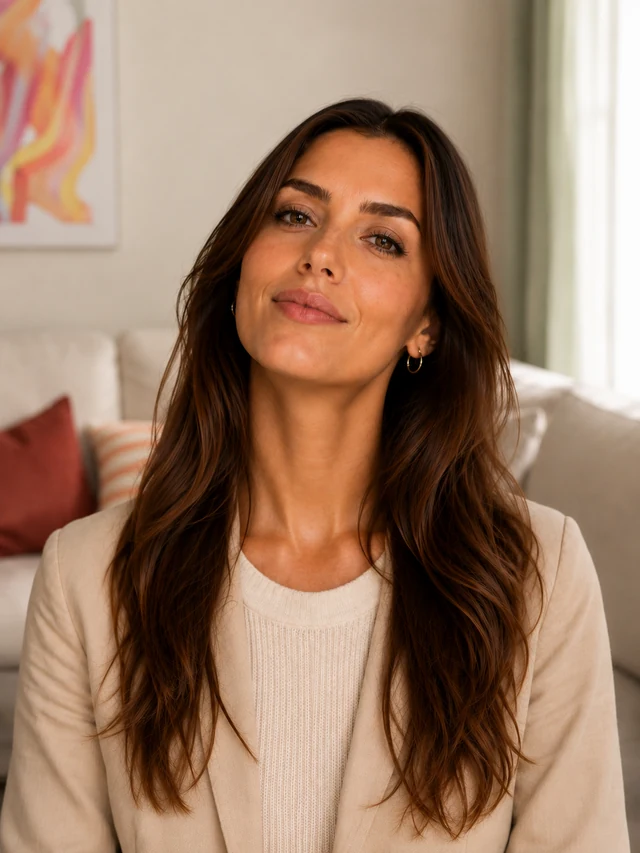
Tilted and raised Lower your chin slightly, look straight into the camera and keep your body upright.
3 · Background
Background does not matter
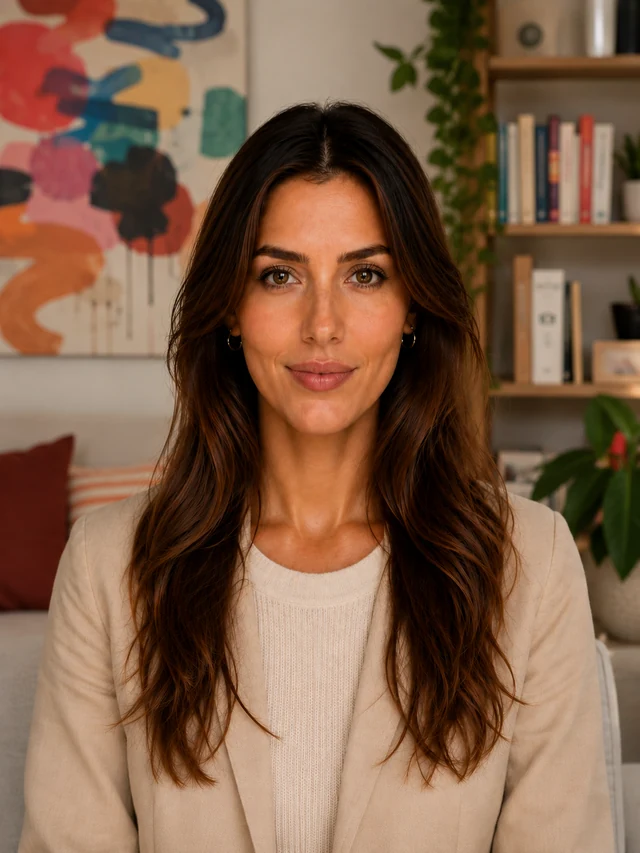
Your shot 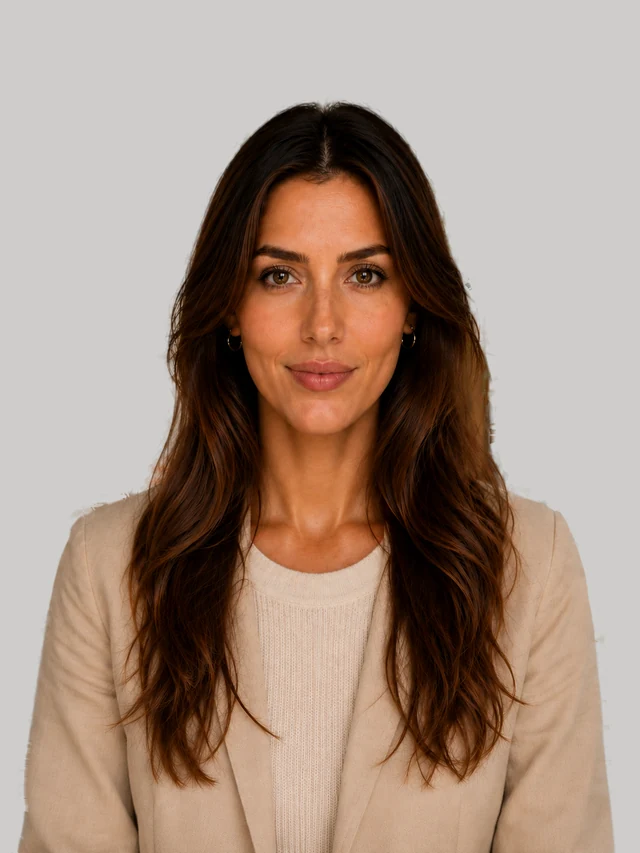
Removed automatically A neutral wall helps, but it is not required, because VERID removes your background automatically.
4 · Distance
The right distance
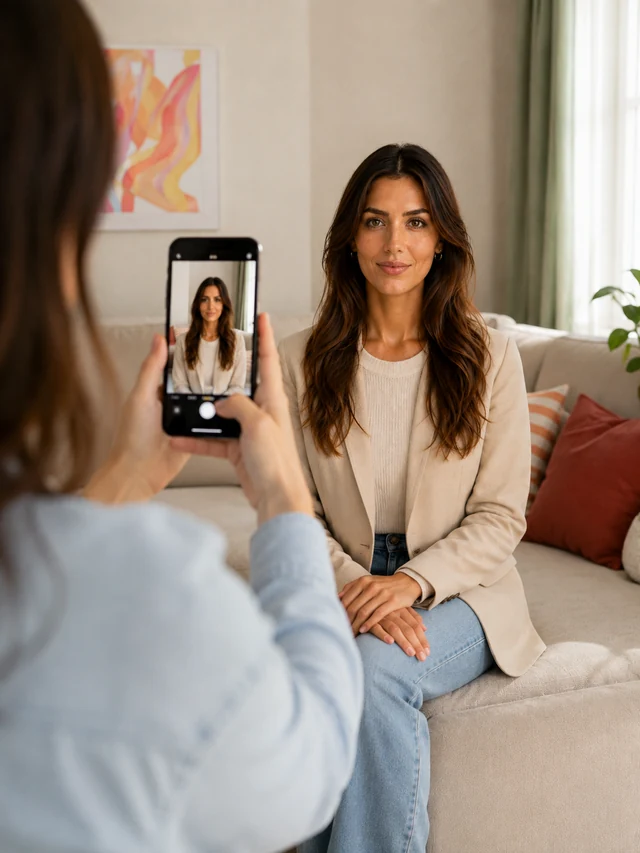
By a second person 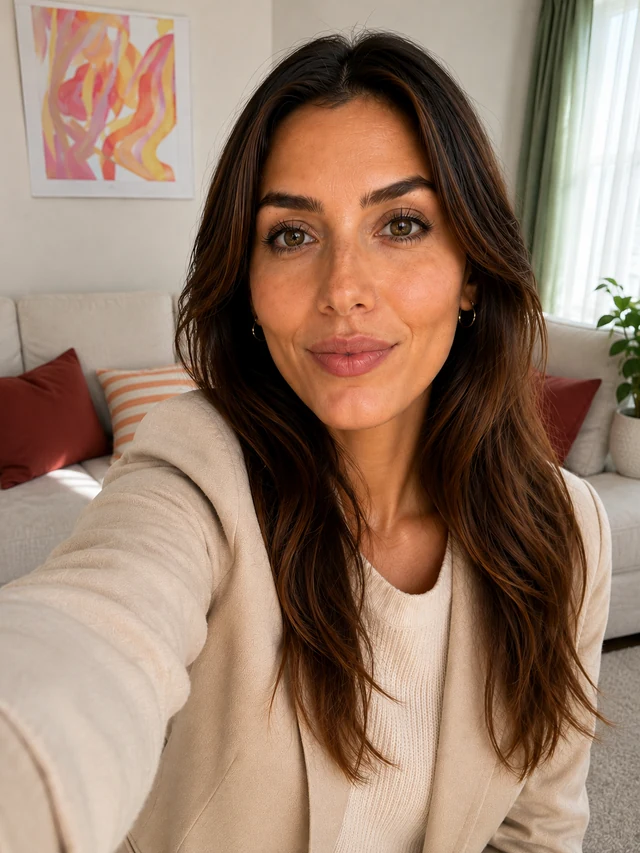
Selfie too close It works best when a second person photographs you from 1 to 2 metres away, rather than a selfie at arm's length.
5 · Sharpness
Fully sharp
Sharp 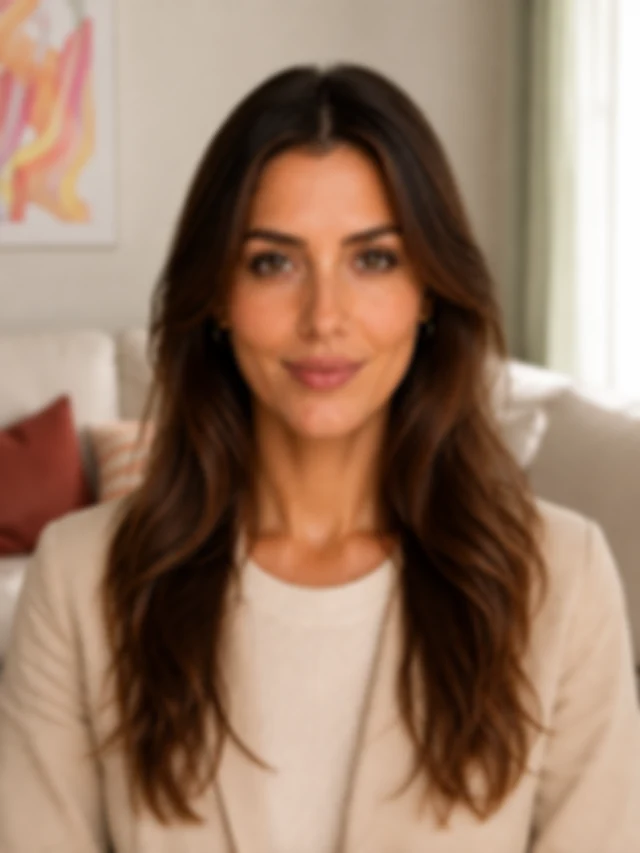
Blurred Leave portrait mode and blur effects switched off, so your face stays completely sharp.


In brief
What applies to every official photo
You will find the full rules with your document format; here you see them at a glance.
Smiling is allowed
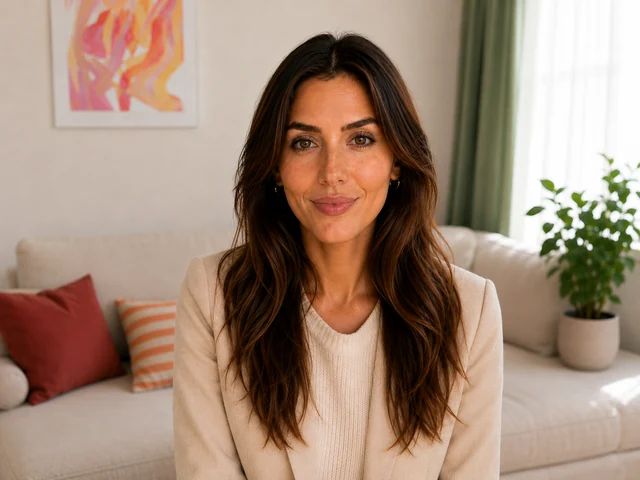
Mouth closed 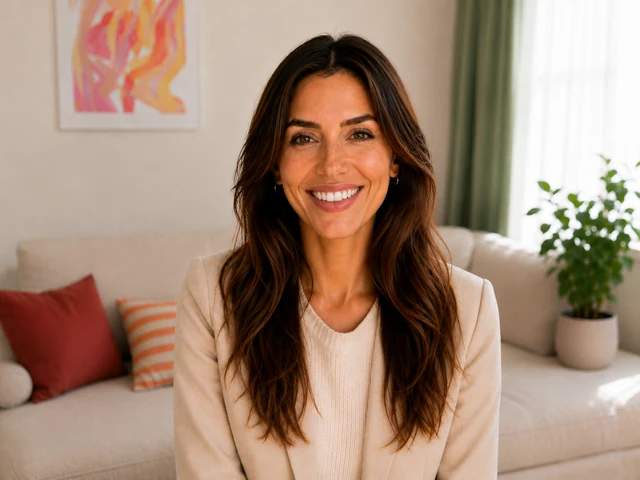
Teeth visible No sunglasses
Eyes visible 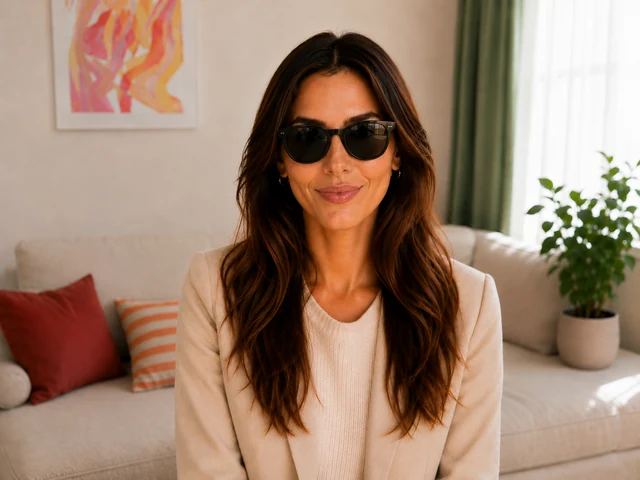
Eyes covered No headwear
Hairline clear 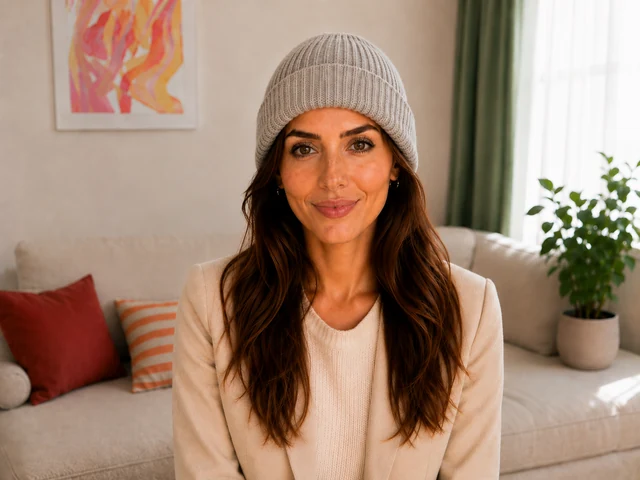
Hairline covered Camera not from above
At eye level 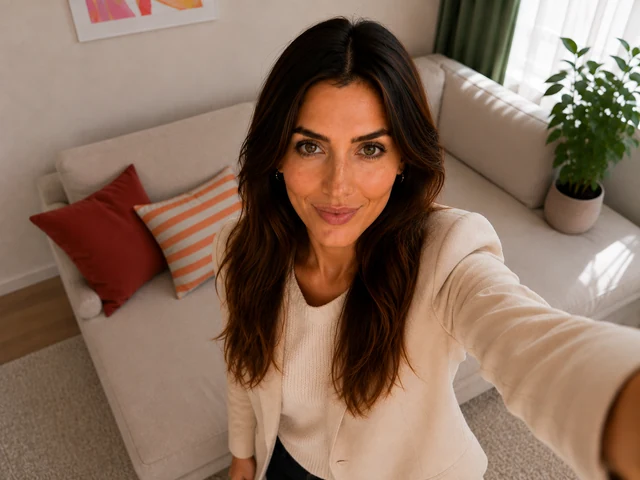
From above Camera not from below
At eye level 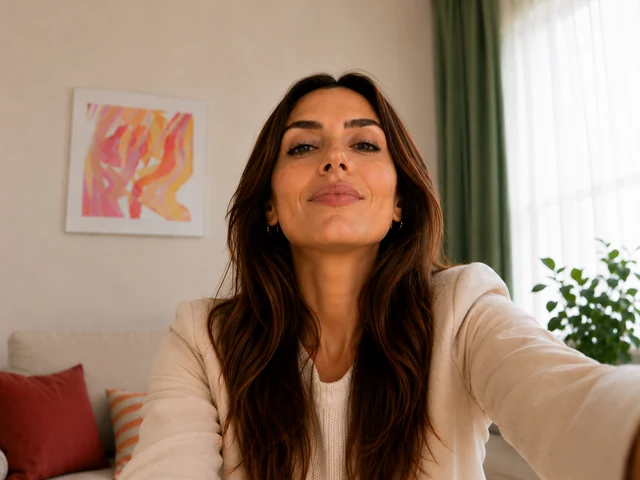
From below


Overview
Your ID photo in 6 steps
Any time and anywhere, straight from your phone. We show you every step.

Step 1 of 6
Country and document
Switzerland
Germany
AustriaPassport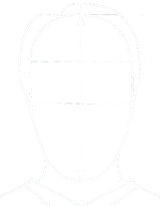 35 × 45 mmOfficial size
Tap country and document. VERID knows the official sizes of many countries.
Step 2 of 6
Unlock
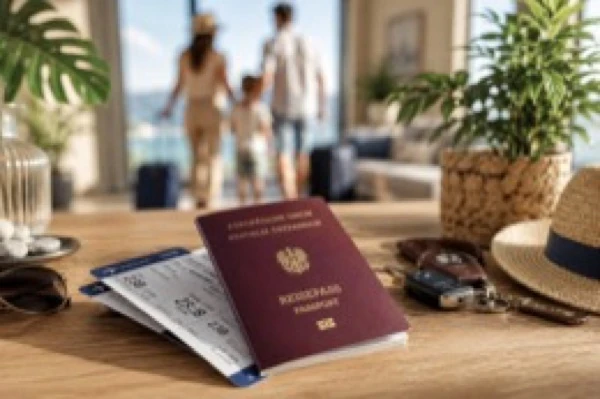
Your document Unlock once Good to knowOne photo session, one fair price, no subscription. After that the way is clear all the way to a print-ready photo.
Step 3 of 6
The shot
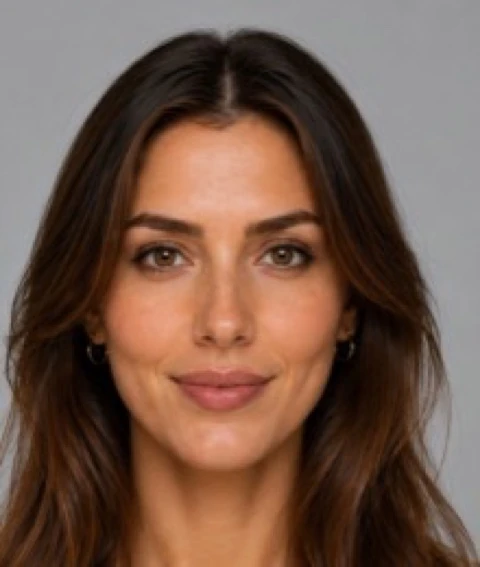
Too close 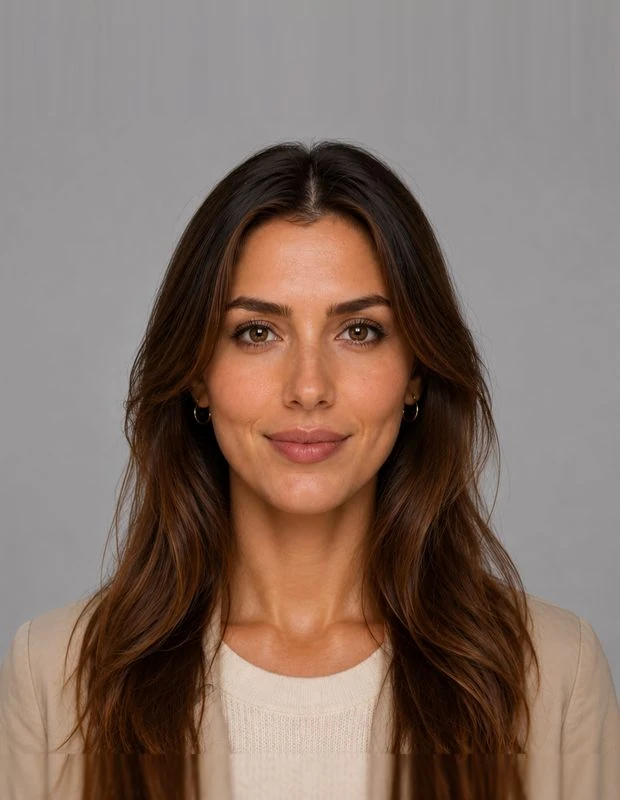
Just right Better a little further away. VERID works out the exact crop itself.
Or upload a photo you already have, ideally against a neutral background. VERID takes care of the cropping.
Step 4 of 6
The cropping
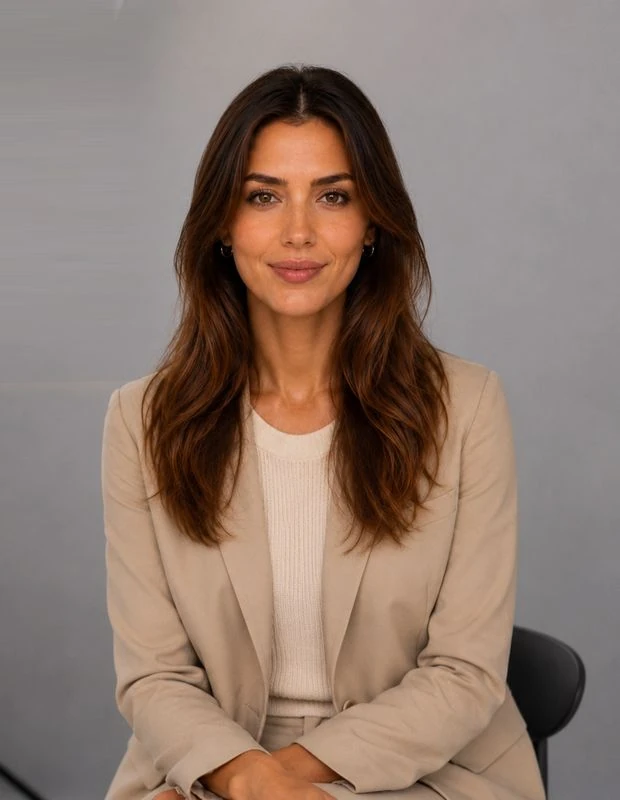
Before 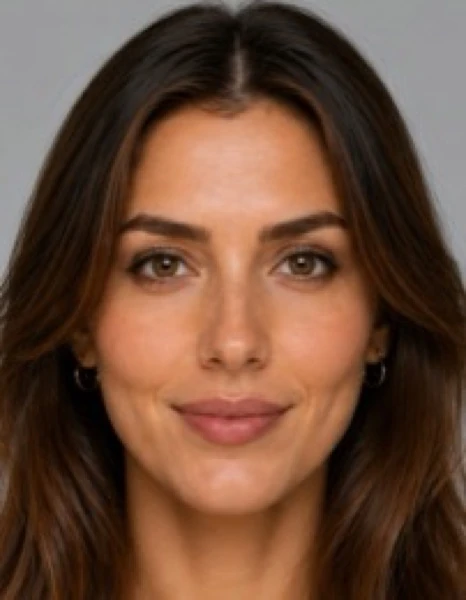
After AutomaticAdjust by hand
VERID places your photo exactly into the official mask. You can adjust it yourself at any time.
Step 5 of 6
The check
Within the standard
Head sizePostureLight
If something does not fit, you get a simple, understandable recommendation.
Step 6 of 6
Your photo is ready
SaveSheet of 6
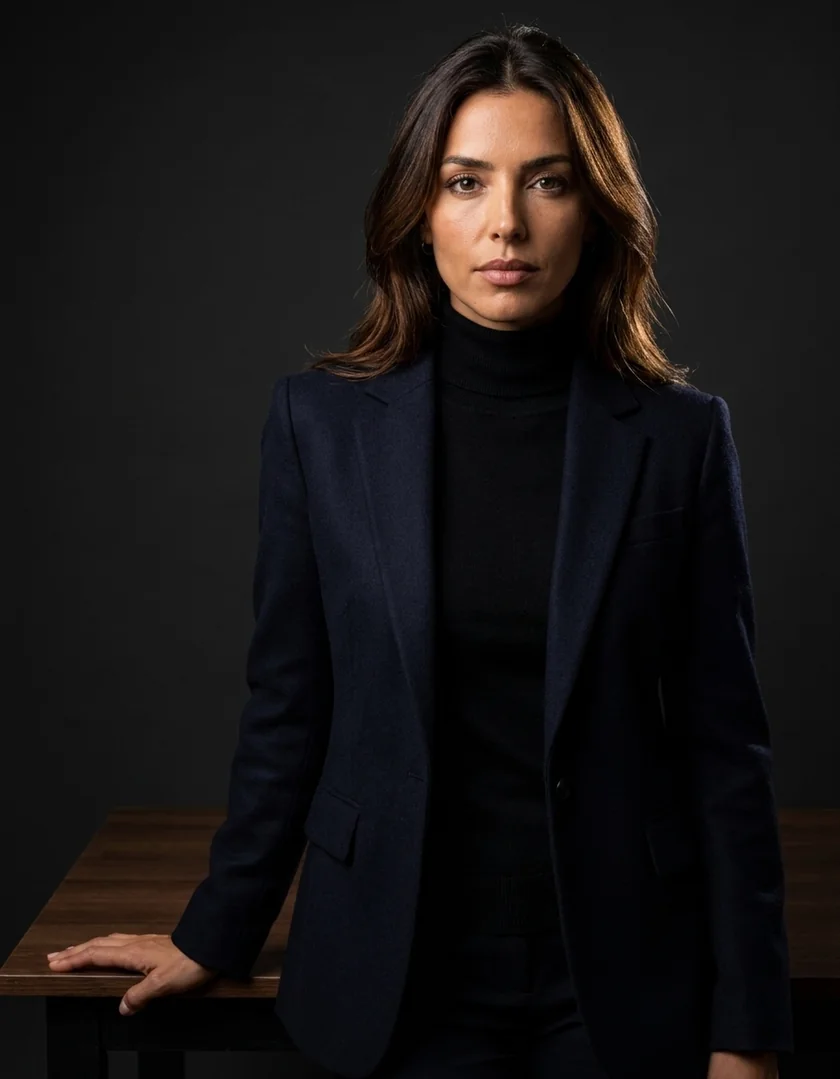
Save it, order the sheet to your home or add a Business Portrait.


Optional extra
Print and delivery
StandardExpresswith parcel tracking
Only if you want to. You already have your digital photo.
Optional extra
Add a Business Portrait
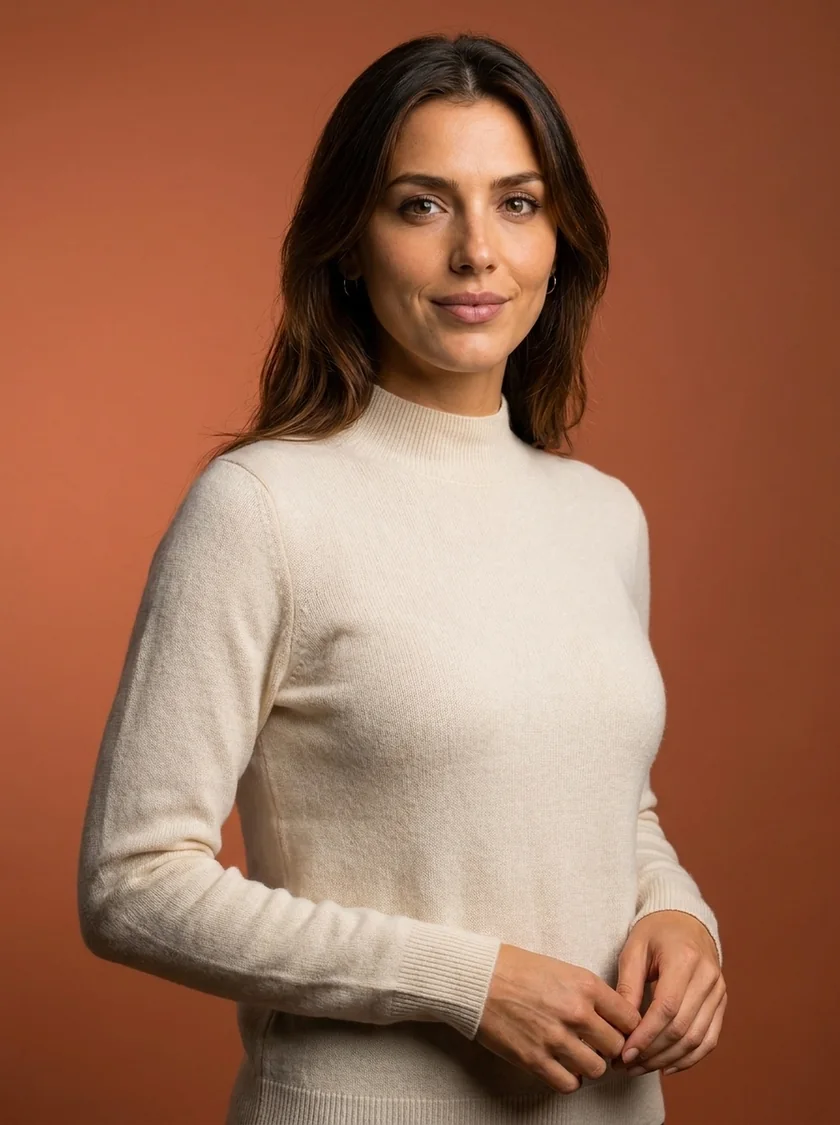
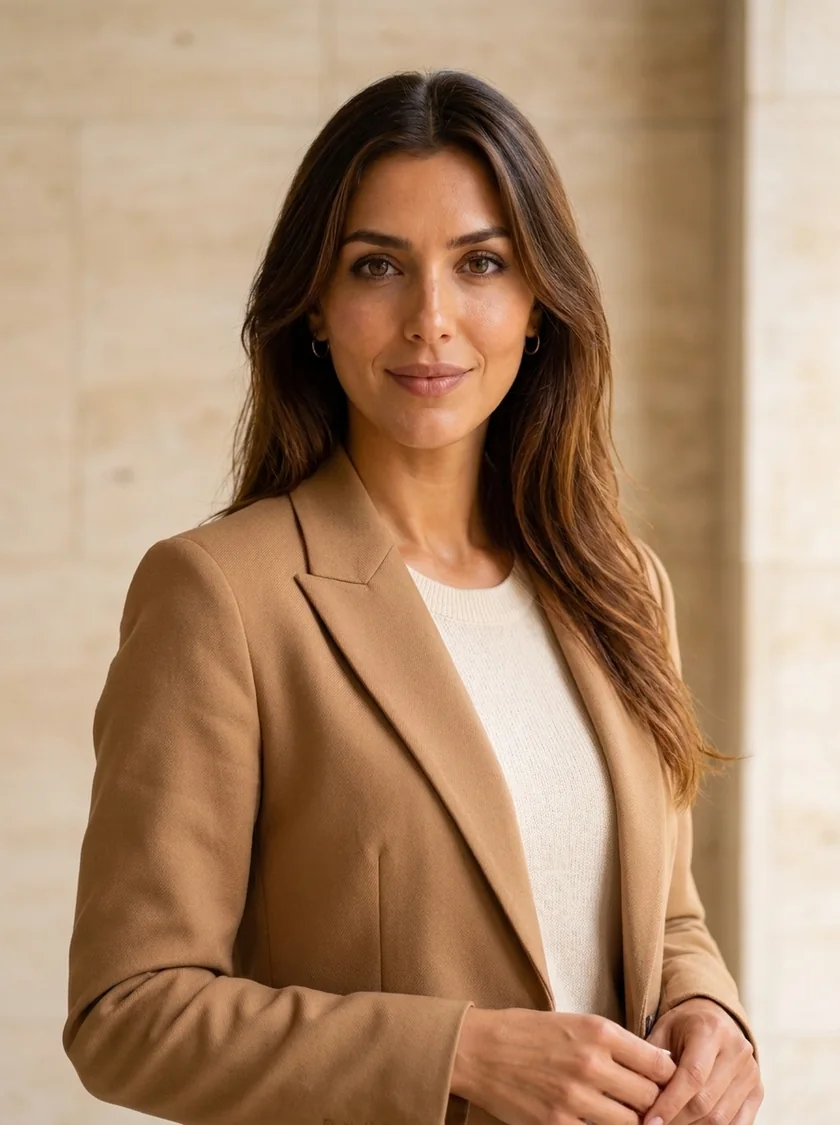
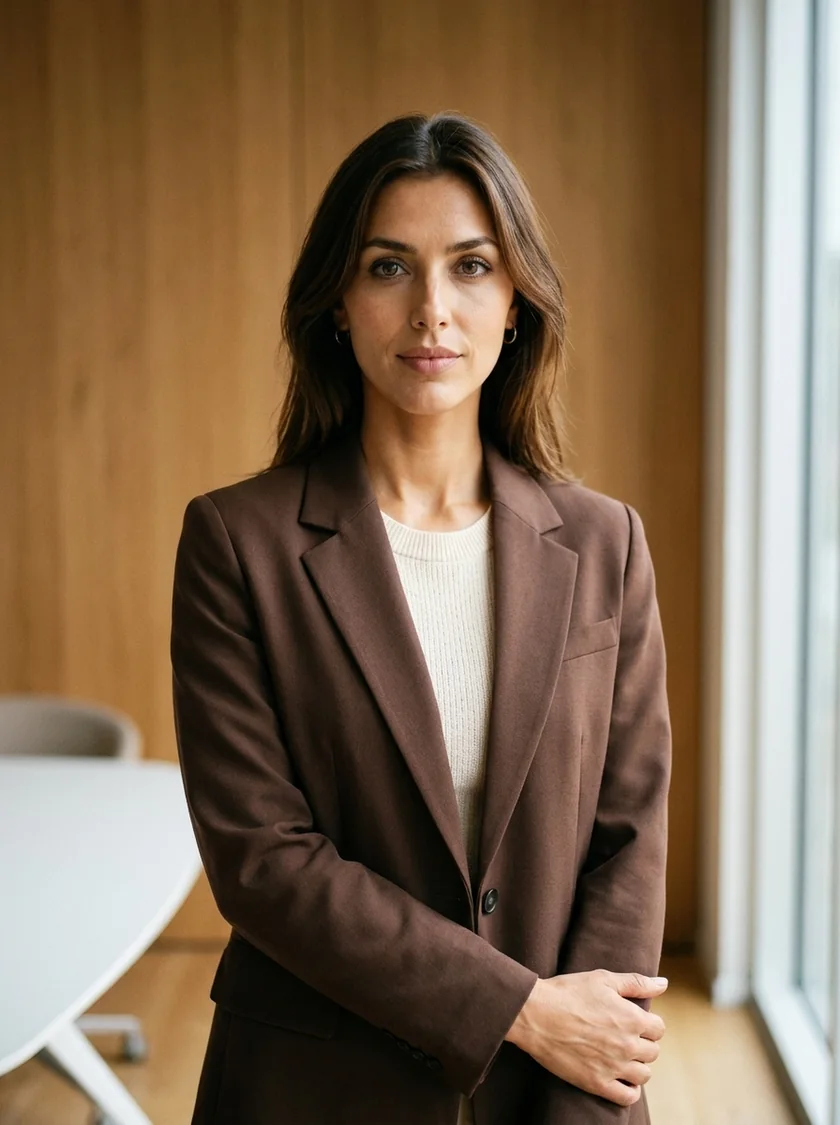
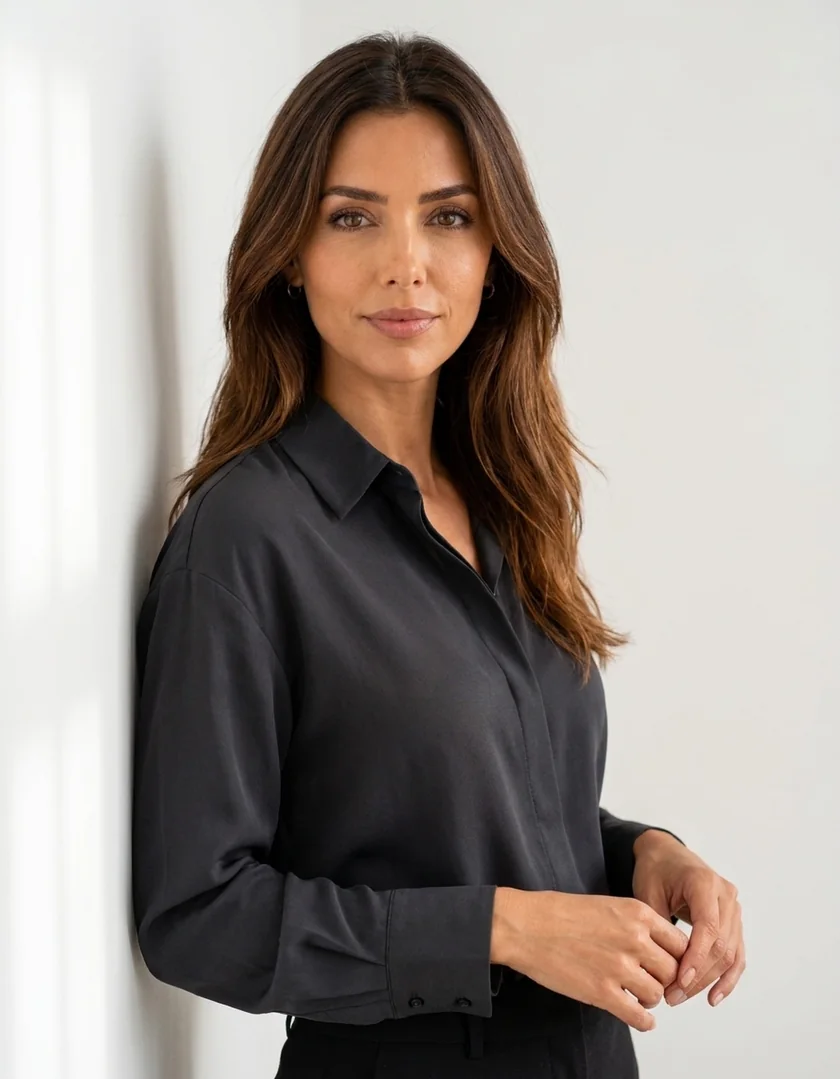
Also available as a print
Choose your scene from our library. For a small surcharge you get three scenes instead of one.
To finish
Your account and VERID AI
Account- Downloads available for 30 days
- Invoice always in your account
- 25 starter tokens for VERID AI, free
You create your account right inside the flow, in a few seconds.


